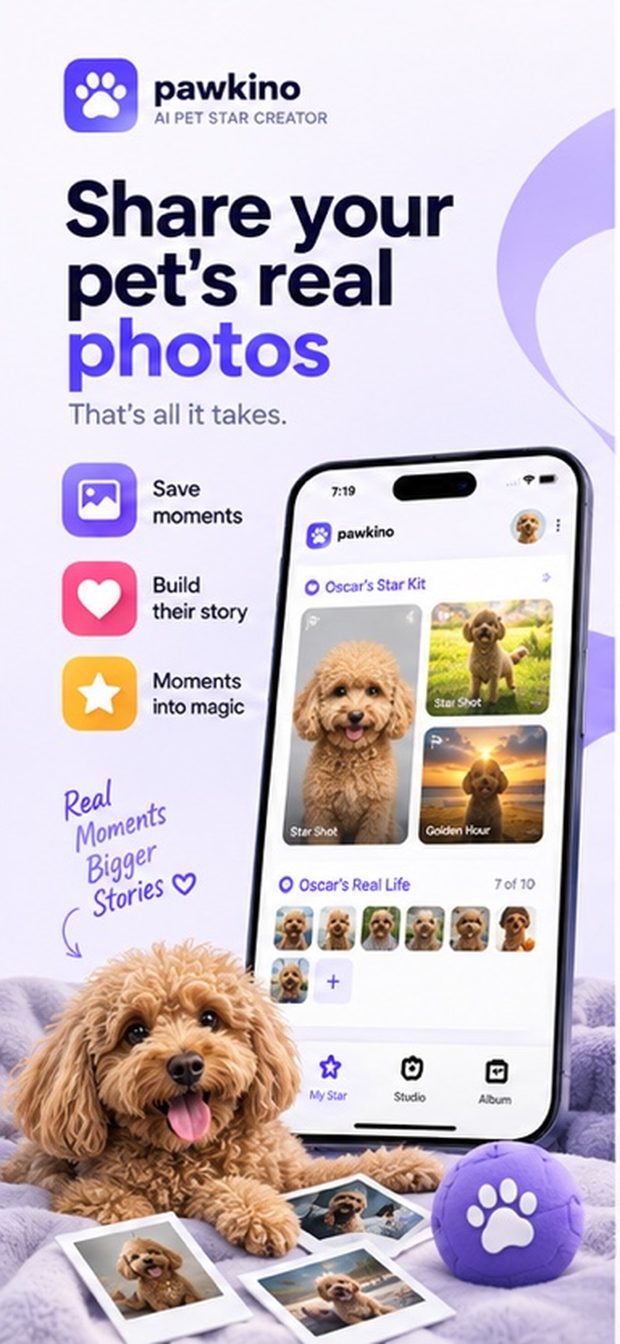
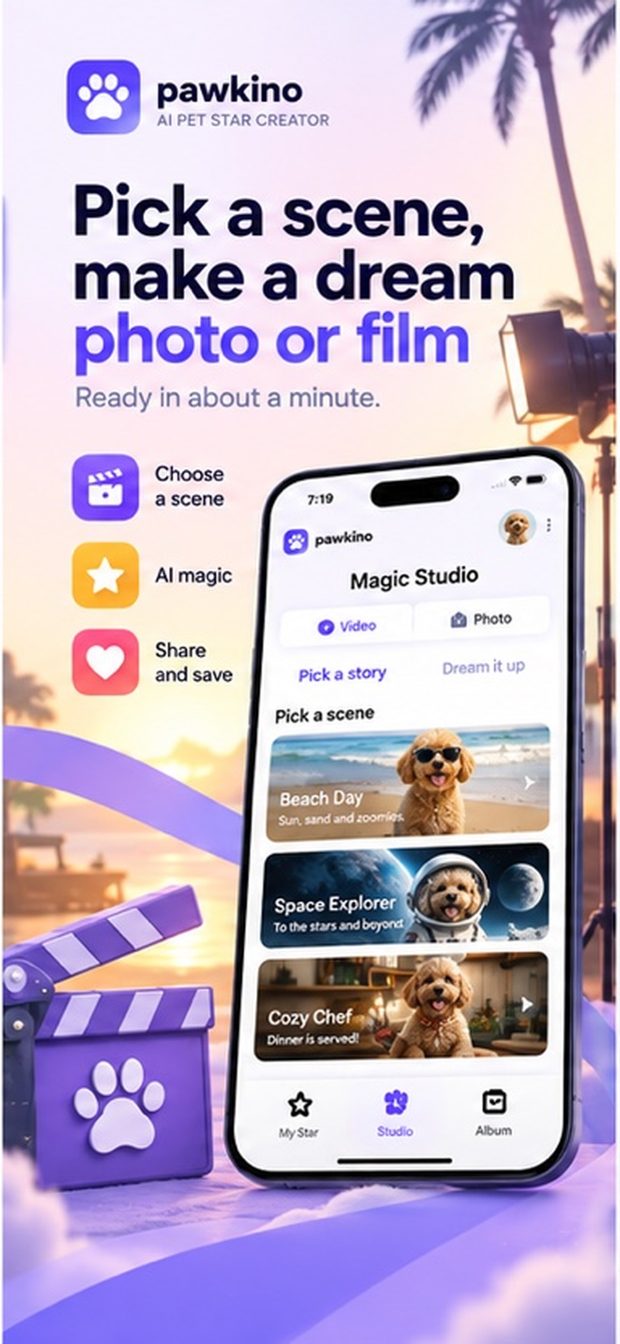
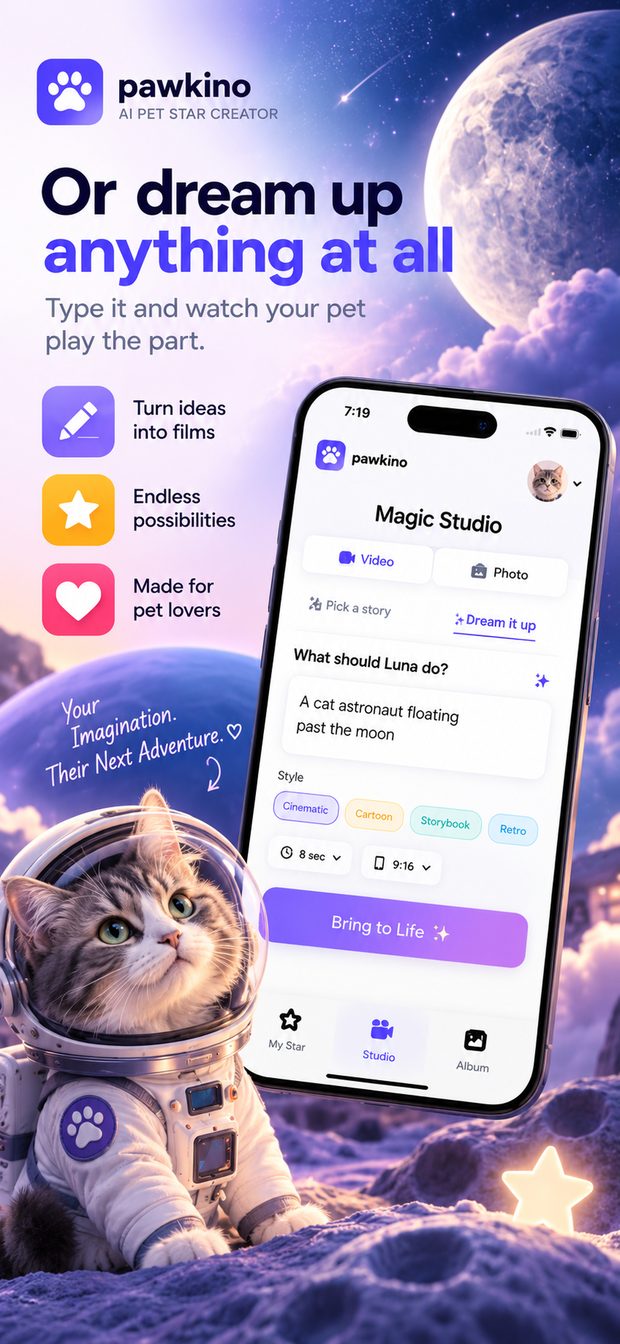
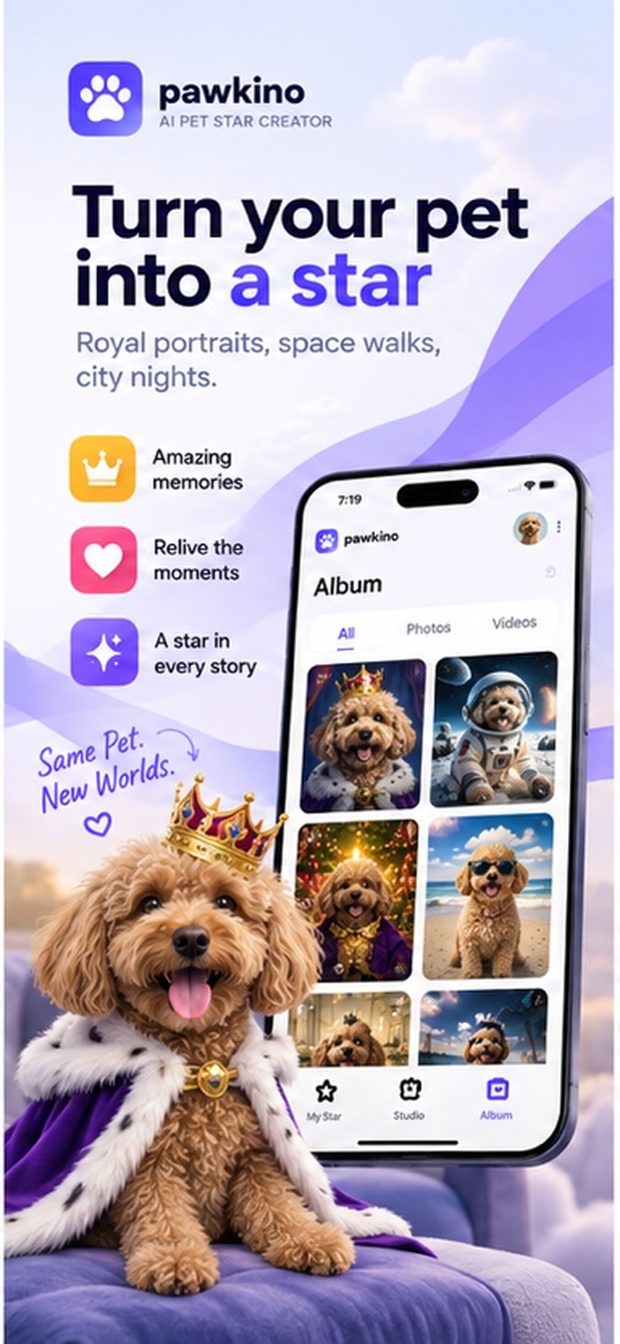
Share a handful of photos you already have. Pawkino learns what your pet looks like, then puts them in royal portraits, space walks and city nights — as photos, or as short films.
Download on the App StoreiPhone · iOS 17 or later · the first Star Kit is free
Three steps, and the first one is the only one that takes any effort.
Five to ten pictures of the same pet — face on, in profile, full body. Ordinary phone photos are exactly right.
Three portraits come back: a studio Star Shot, an action frame and a golden-hour beach. This is how Pawkino remembers them from then on.
Pick a scene in Studio, or type your own idea. You get a notification the moment it is finished, and it lands in your Album.
Every scene is built from your pet's own photos, so it is recognisably them — not a generic dog in a costume. Choose a ready-made story, or describe anything you like and watch them play the part.
Stills in a few tens of seconds; reels of four or eight seconds, usually inside a couple of minutes.
Add a second pet whenever you like. Each keeps their own Star Kit, photos and album.
Save anything to your camera roll and share it wherever you like.
There is no feed and no other users. What you make is visible to you and nobody else.
Credits, so you only pay for what you make. The first Star Kit is free — you can see what Pawkino does with your pet before deciding anything.
50 credits every month — around twenty-five photos, or five short films and a few stills. Cancel any time in Settings. Members can top up with credit packs whenever they run out.
All five to ten should show the same pet. Pawkino checks, and says so if a photo is blurry, too far away or not a pet at all.
They are sent to the AI service that generates the images, and to nobody else. The privacy policy says exactly what is kept and for how long.
Deleting your account from inside the app removes your pets, photos and creations from our servers.
Write to hello@evaventures.co and a person will answer. The support page covers the common ones.